First steps with OS X Lion
A couple of days ago Apple released the GM version of OS X Lion to developers. Yesterday I finally got around to installing it and trying it out. It often happens that this is the final version of a new OS that ends up on consumer's hard drives, but I don't think that's going to be the case this time 'round. In some ways the thing is almost as buggy as your average beta Ubuntu release.

Just a couple of things noticed since yesterday:
- @mihar couldn't login after update until he did a fresh install
- my sound died last night and was gone until I rebooted
- sometimes parts of the GUI don't refresh and there are left over glitches
Actually that's not too bad, I really felt like I noticed more things than that ... guess I've grown a little bit spoiled. If this was Ubuntu I'd probably call it beyond ready for release and super awesome bug free and so on. But on a Mac it makes me want to bitch and moan.
Oh us spoiled brats.
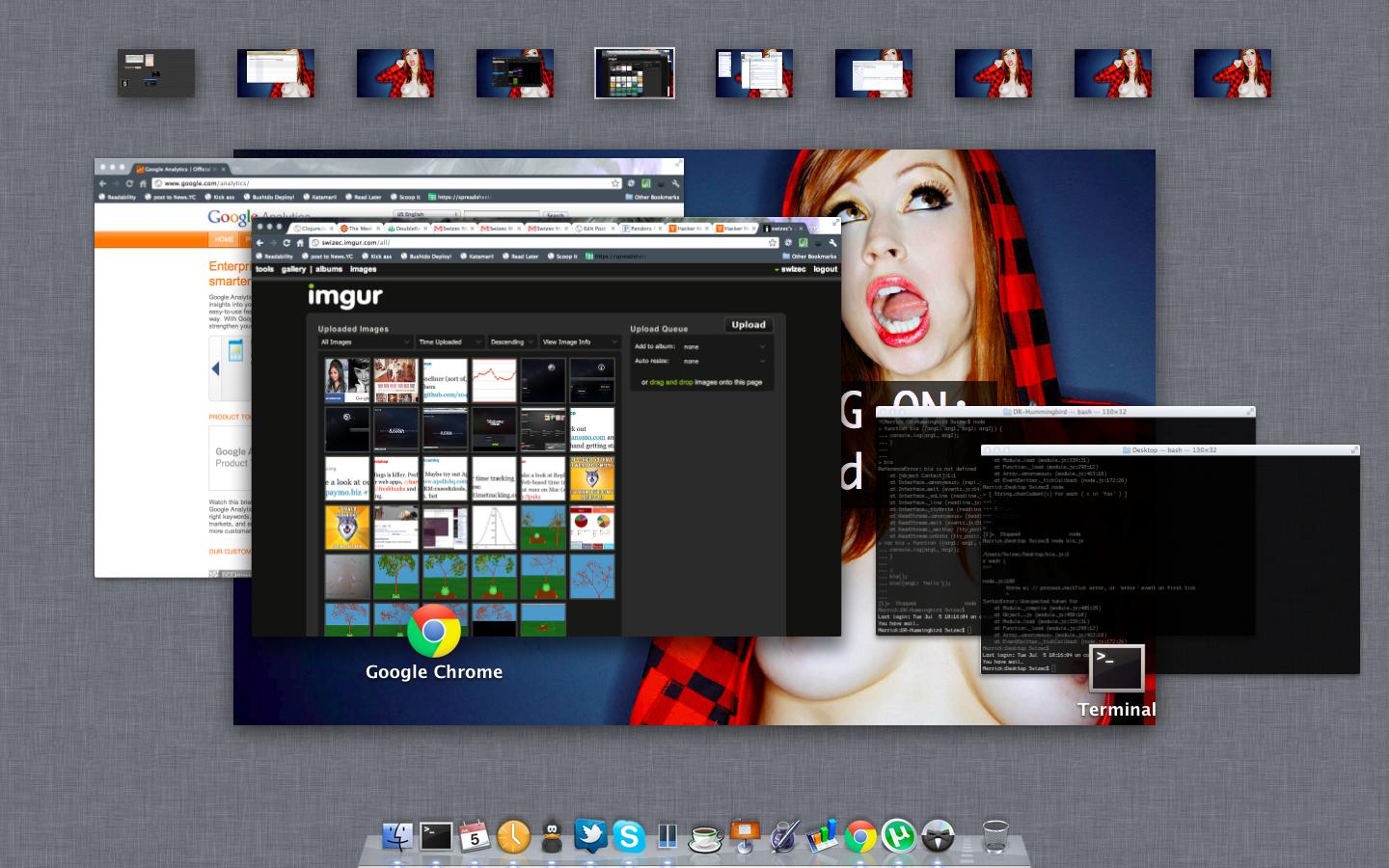
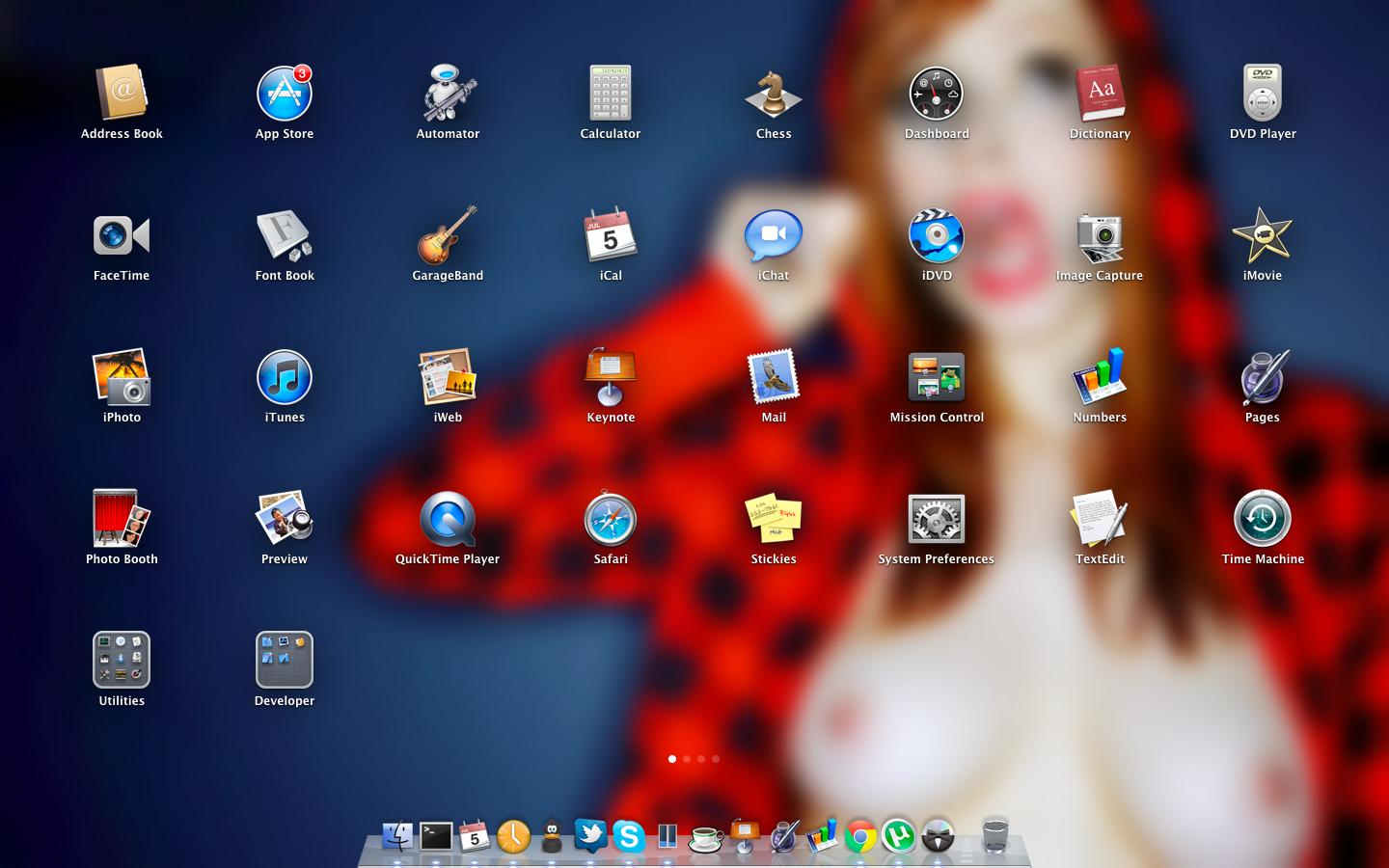
All in all, I have to say I really love the new features. Probably haven't discovered all of them and I don't want to look for spoilers in the keynote. It's much more fun just using the OS and being nicely delighted on every step of the way.
The general theme is: Make everything more iPad-y.
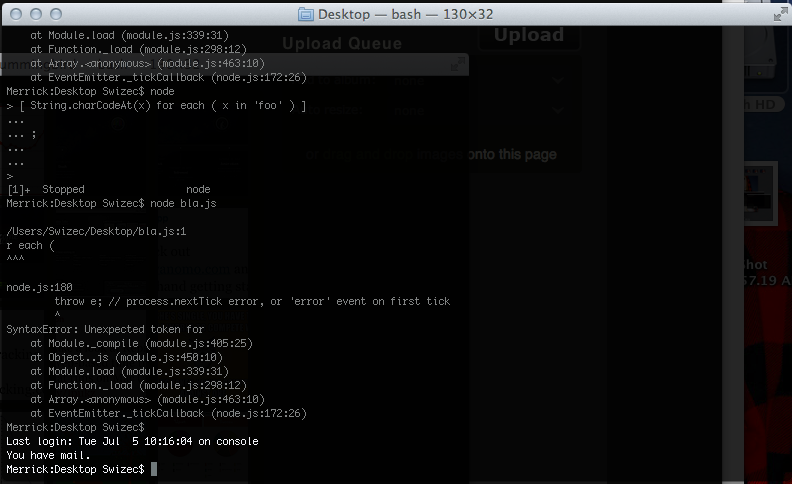
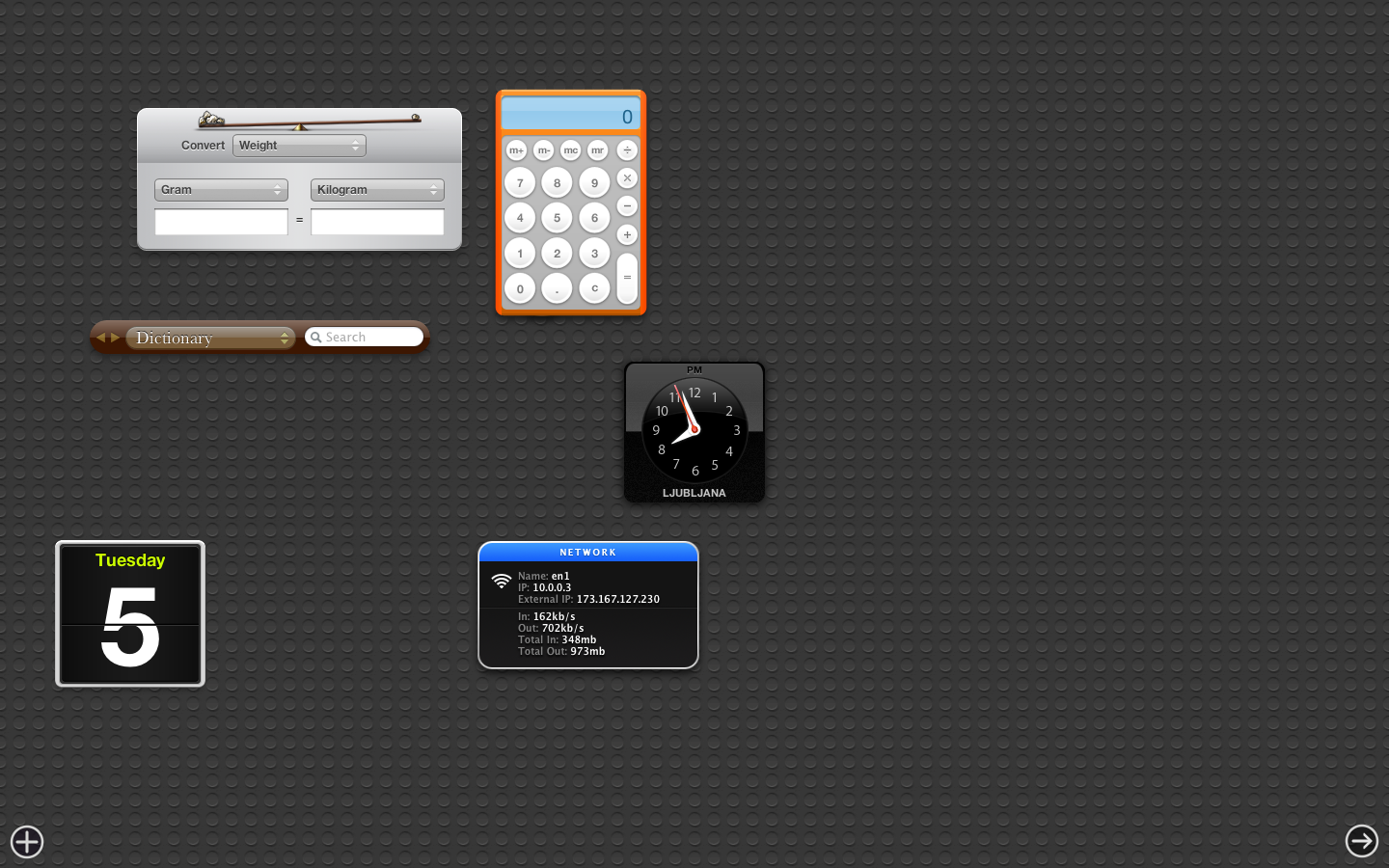
Actually, I'm going to make the rest of this post in screenshots and captions.
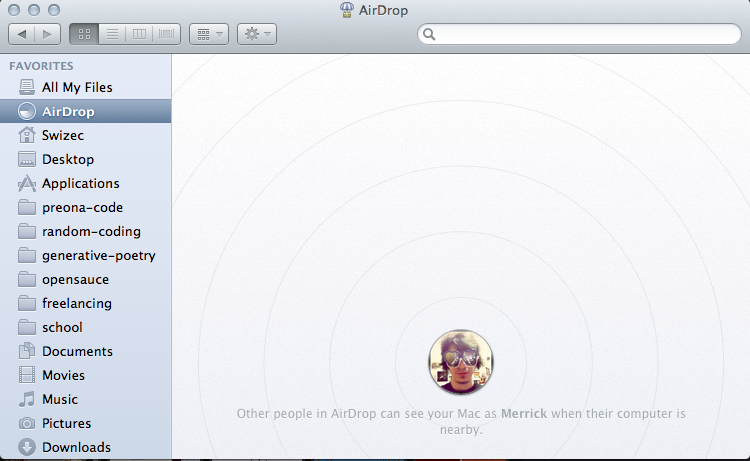
Another thing that I really really love are the new scrollbars, but I couldn't quite manage to make screenshots of it. Also the new mouse gestures are pretty fucking awesome. Too many of them to really list, but the one I think I'm going to appreciate the most is the three finger drag. No more awkward thumb action!
Now all I need is a mac with an SSD because, to be honest, sometimes things feel a bit slow with all the state saving and things ... not to mention the whole "Keep windows open when reboot" that feature painfully needs an SSD.