I broke AJAX in Chrome 52 ?
This strange bug from yesterday won’t let me sleep. Why does Chrome 52 sometimes behave like different instances of a class are the same object?
Backbone’s fetch method triggers the bug. But maybe that’s not the real issue? I’d hate to submit a bug report to Chrome project only to be told “Fool, that’s a Backbone issue.”
It’s terrifying to tell the Chrome team they made a mistake.
This is what yesterday’s repro code looks like:
var BugModel = Backbone.Model.extend({
  url: "bla.json",
});

let bug = new BugModel();
bug.fetch({
  success: () => {
    console.log("fetch 1"); // prints
    doWeirdness(bug);
  },
});

function doWeirdness(bug) {
  let newBug = new BugModel({ id: 1 });

  console.log("about to re-fetch"); // prings

  newBug.fetch({
    success: () => console.log("fetch 2", newBug), // doesn't print
    error: () => console.log("error"),
  });
  newBug.fetch({
    success: () => console.log("fetch 3"), // prints
  });
}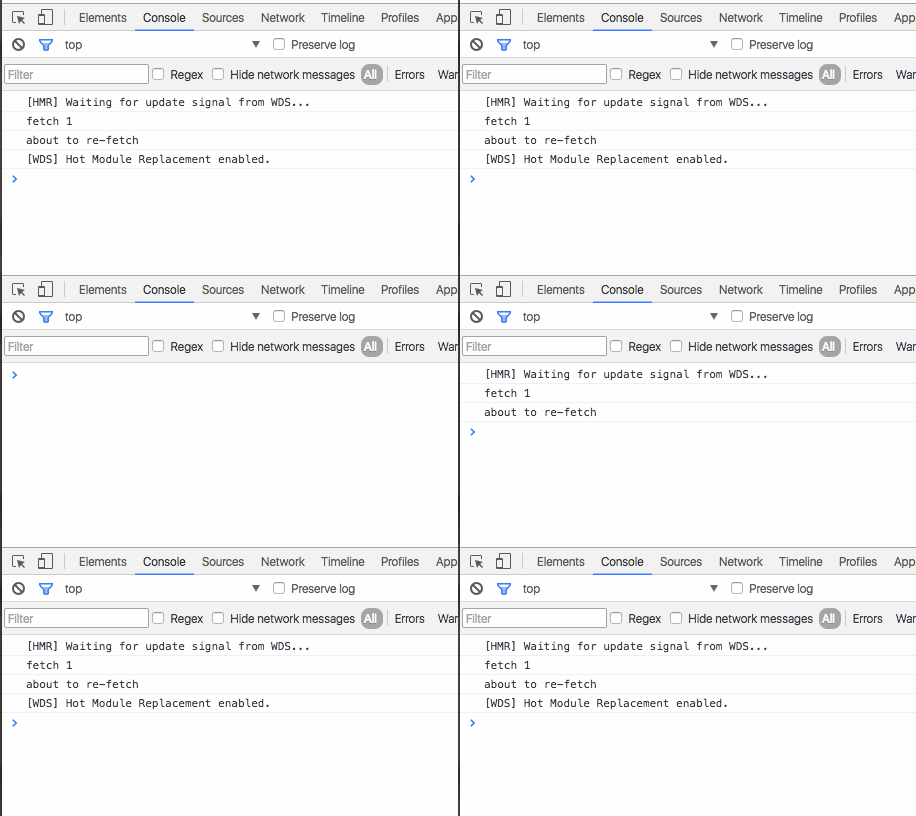
If you press Cmd+R, the bug happens. If you press Cmd+Shift+R, it does not. That’s a new clue that points at either Chrome’s speed optimizations, or worse, the network stack. Can we call it a network stack? I guess Chrome is almost an operating system at this point …
Adding console.log(newBug == bug) prints false, which implies that Chrome does not think both instances are the same object. This invalidates my original hypothesis. ?
So what does Backbone’s Model.fetch method do?
fetch: function(options) {
      options = _.extend({parse: true}, options);
      var model = this;
      var success = options.success;
      options.success = function(resp) {
        var serverAttrs = options.parse ? model.parse(resp, options) : resp;
        if (!model.set(serverAttrs, options)) return false;
        if (success) success.call(options.context, model, resp, options);
        model.trigger('sync', model, resp, options);
      };
      wrapError(this, options);
      return this.sync('read', this, options);
    },
A lot of this stuff is unnecessary in ES6, but Backbone is from the before times.
We start with a default value for options - {parse: true}, then use the var = this trick because we don’t have arrow functions. Then we copy the options.success callback to a variable and define our own. You can think of it as a wrapper.
Inside the success wrapper, we parse data returned from the server and set new values on our model. Then we trigger a sync event. This could be where the bug happens.
Outside the wrapper, we defer to sync to actually talk to the server.
If I copy this method to my own model definition, we can inspect where it fails.
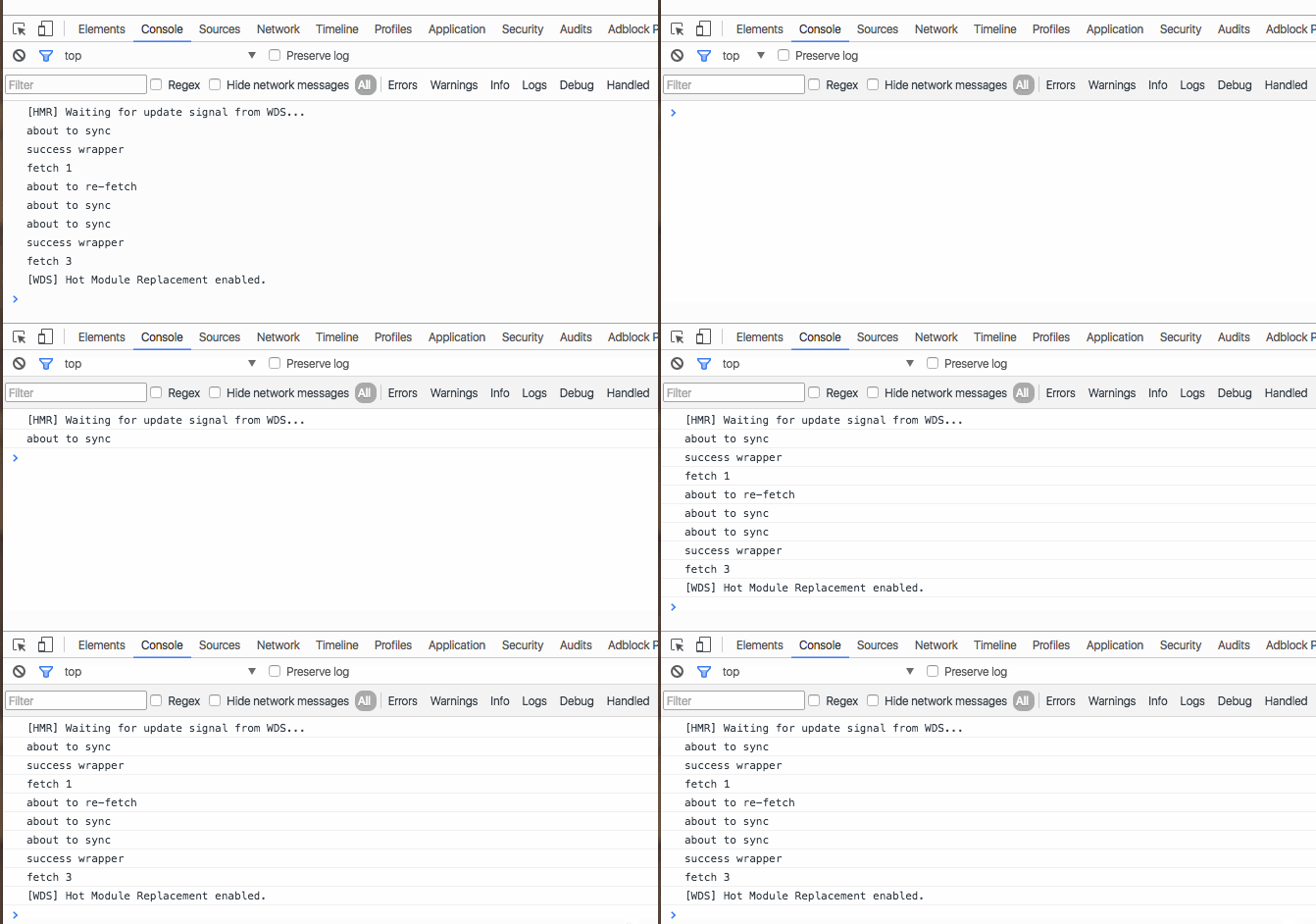
The success wrapper doesn’t fire. ?
Let’s see what happens inside sync … ugh, it’s a long function. I’m not pasting it here. It does some setup, then defers to $.ajax to perform an ajax request to the server.
Can we make the same bug happen without Backbone, then?
$.ajax({
  url: "bla.json",
  complete: () => {
    console.log("done 1st request");
    $.ajax({
      url: "bla.json",
      complete: () => {
        console.log("done 2nd request");
      },
    });
  },
});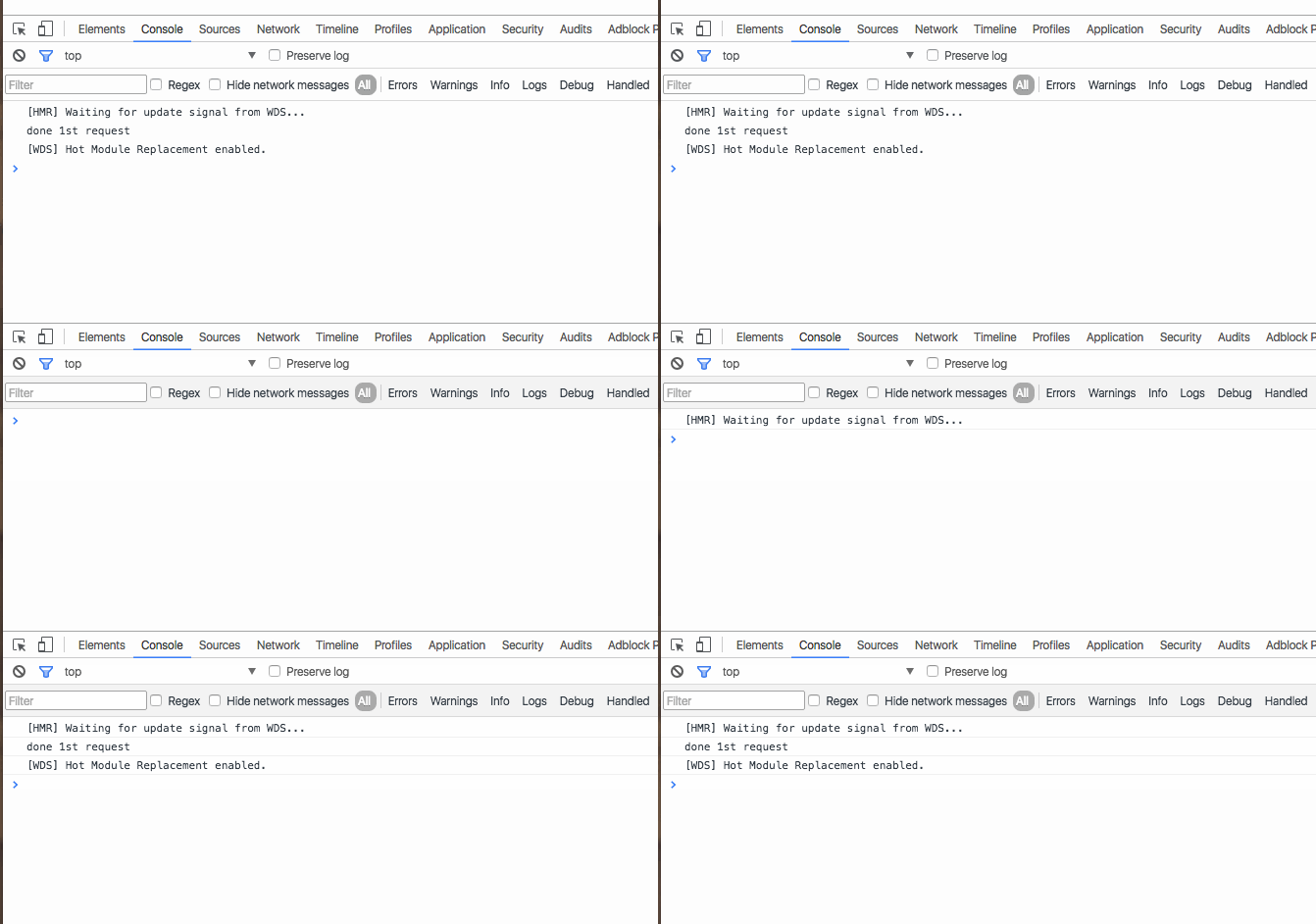
? It worked! 8 lines of code reproduce the bug. ?
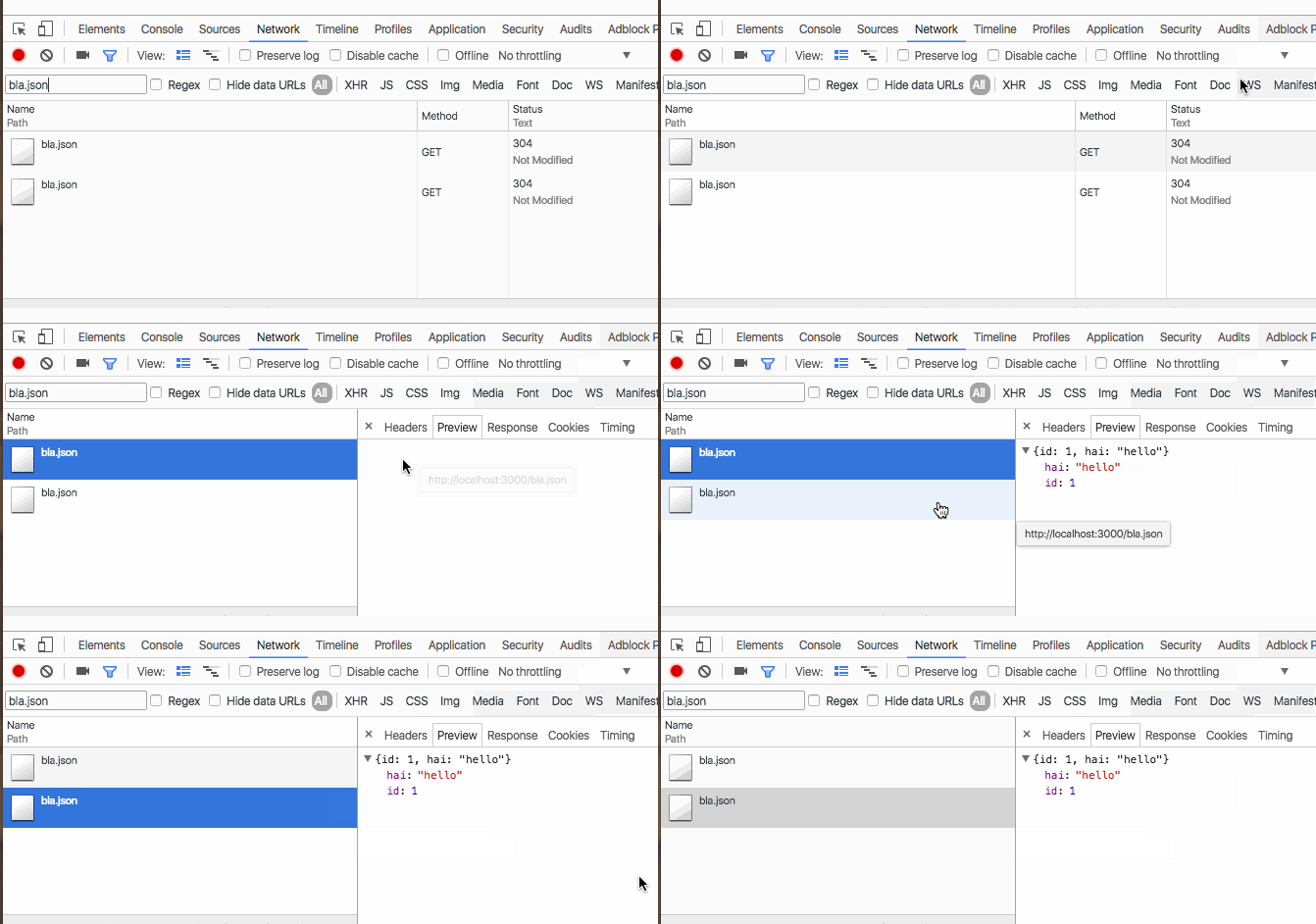
And yes, both requests happen without error.
It might be safe to say that jQuery is battle tested enough that this couldn’t be a jQuery bug. But let’s try superagent to make sure. It’s a great library for making requests and it’s implemented independently of jQuery.
Does the bug still happen?
request.get("bla.json").end(() => {
  console.log("1st success");
  request.get("bla.json").end(() => {
    console.log("2nd success");
  });
});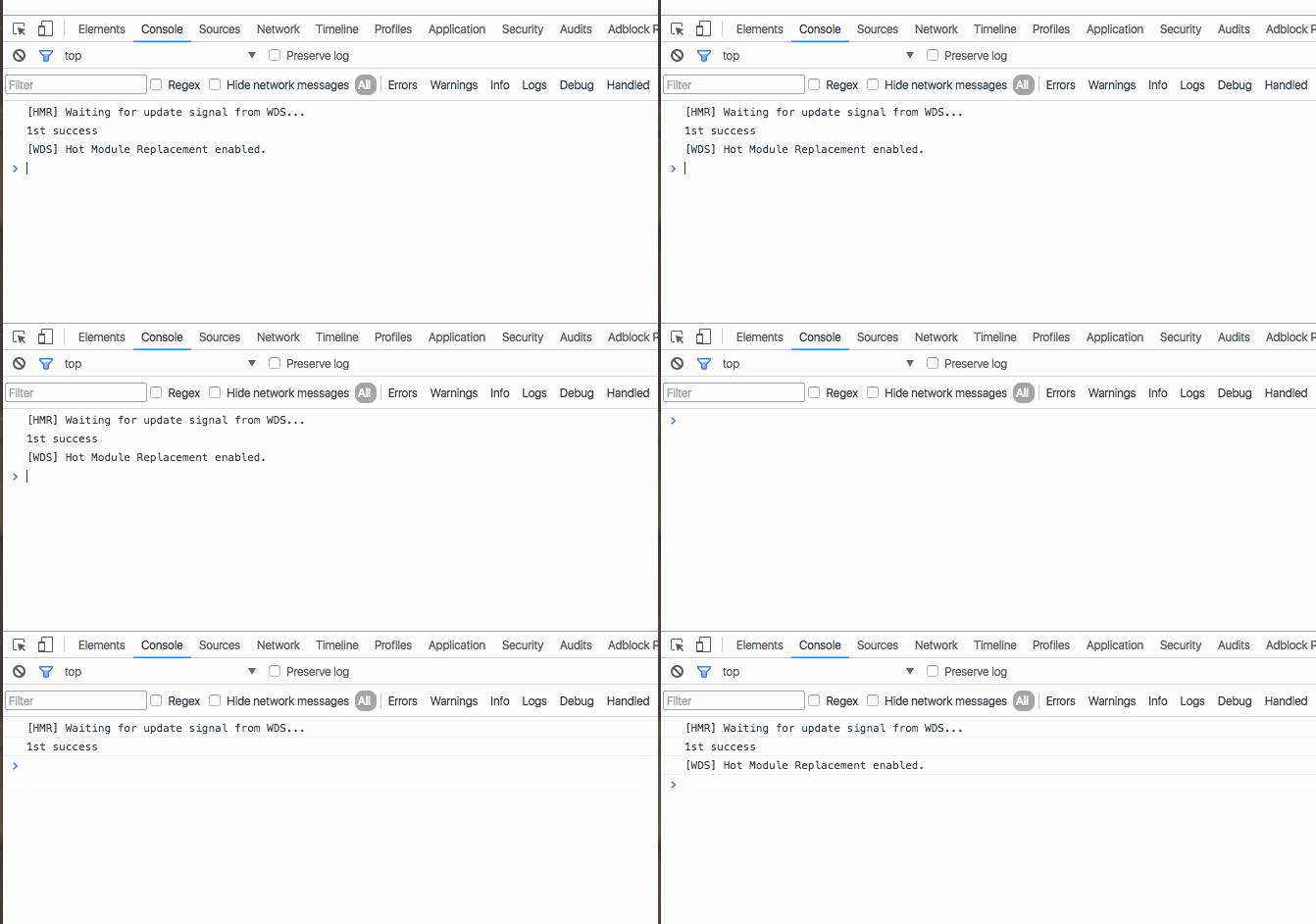
Yeeeeep.
Now you might think: “A-ha! Every even Ajax call to the same URL fails.” I tried that, too -> it doesn’t. If you make requests in a loop, they all work.
The bug only happens, if you make the same AJAX request in the callback. You can extend a chain like this forever:
request.get("bla.json").end(() => {
  console.log("1st success");
  request.get("bla.json").end(() => {
    console.log("2nd success");
  });

  request.get("bla.json").end(() => {
    console.log("3rd success");

    request.get("bla.json").end(() => {
      console.log("4th success");
    });
  });
});
And it only prints the odd numbered console.logs.
Guess it’s time to submit my first bug report to a big open source project. Yay I’m helping!