Server-side React that renders as png, pdf, or interactive webapp
What if your React code could render as a PNG, PDF, static HTML, or fully interactive webapp just by changing the URL? I got a working demo! 😁
Video for now because I'm using a free tier API token for data. Keep reading for screenshots. You can see the full code here: https://github.com/Swizec/react2png
The goal
I wanted a way to take regular React components and render as PNG, PDF, static HTML, or interactive webapp. This should happen at the server response level with zero thought from product engineers building individual components.
The components need to support css-in-js (JoyUI) and independently load their own data with useQuery. Once loaded in a browser context, they should hydrate into a regular React app.
Interactive webapp
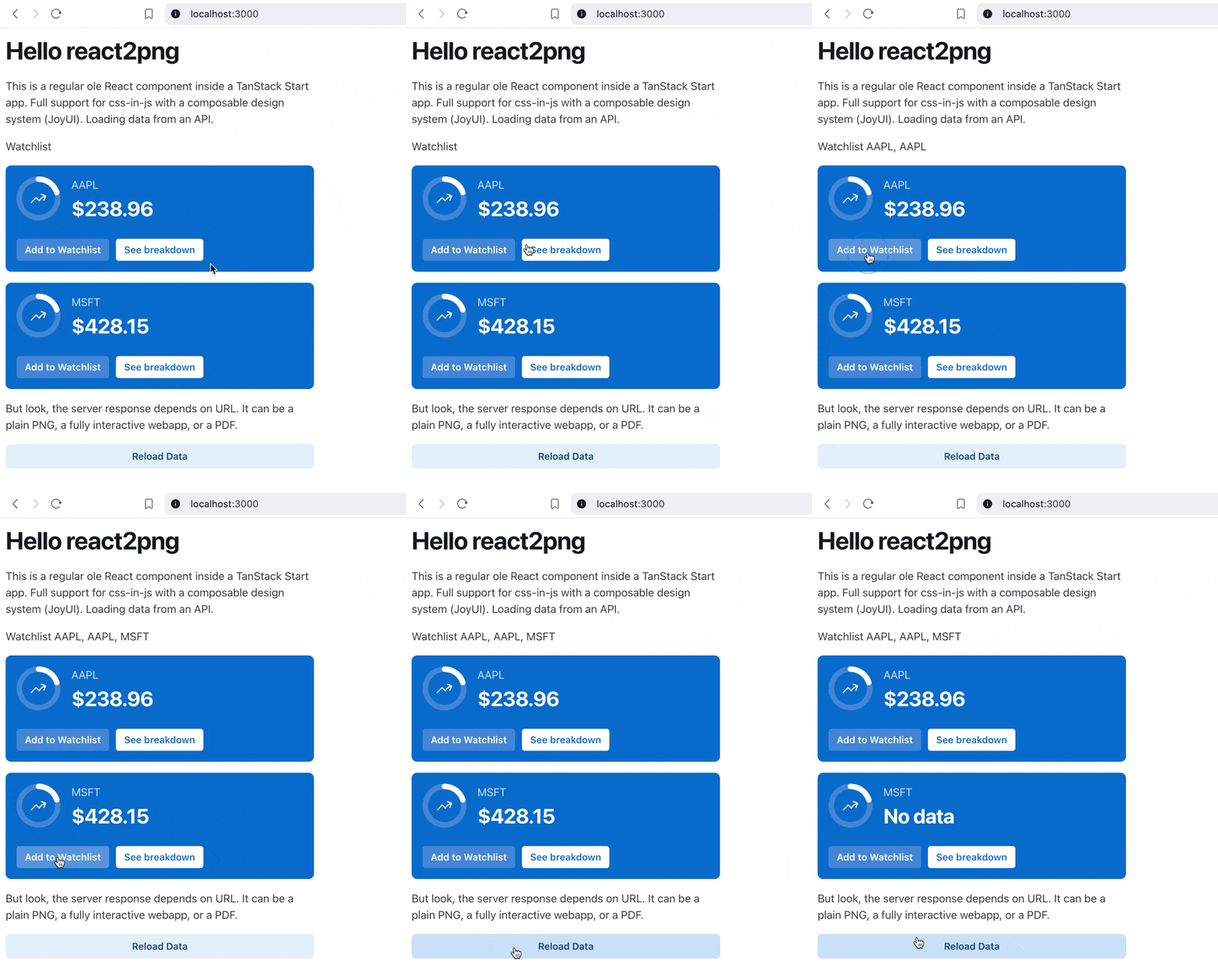
When loaded in the browser, you get a fully interactive webapp. Buttons are clickable, React Query keeps data fresh, you can change state, everything works.
Static HTML
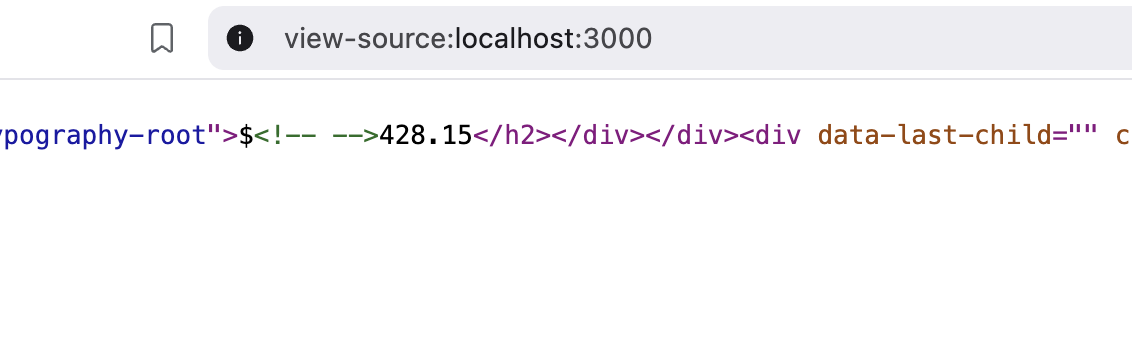
If you right click + view source, you can see the app starts as static HTML with initial data already present.
PNG
Add ?=png to the URL and you get a PNG render of the initial app state. All in one request rendered on the server. Your browser gets the image and nothing else.
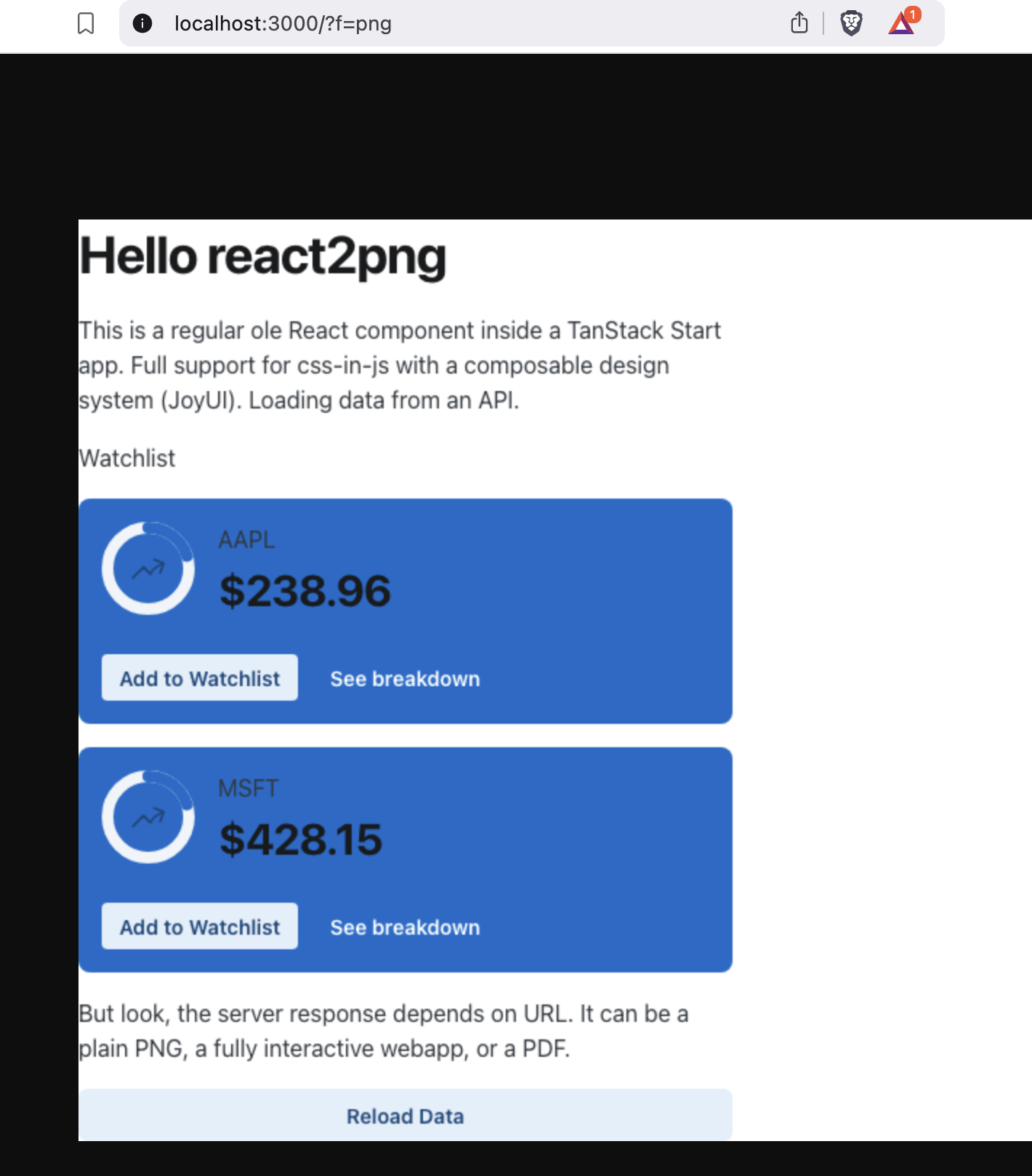
Components have all dynamic data present, but there's a bug with font color. I must've missed a detail with setting up JoyUI styling for SSR.
Add ?=pdf and you get a PDF. Same deal as before: The browser gets just the PDF all in 1 request. Data is there.
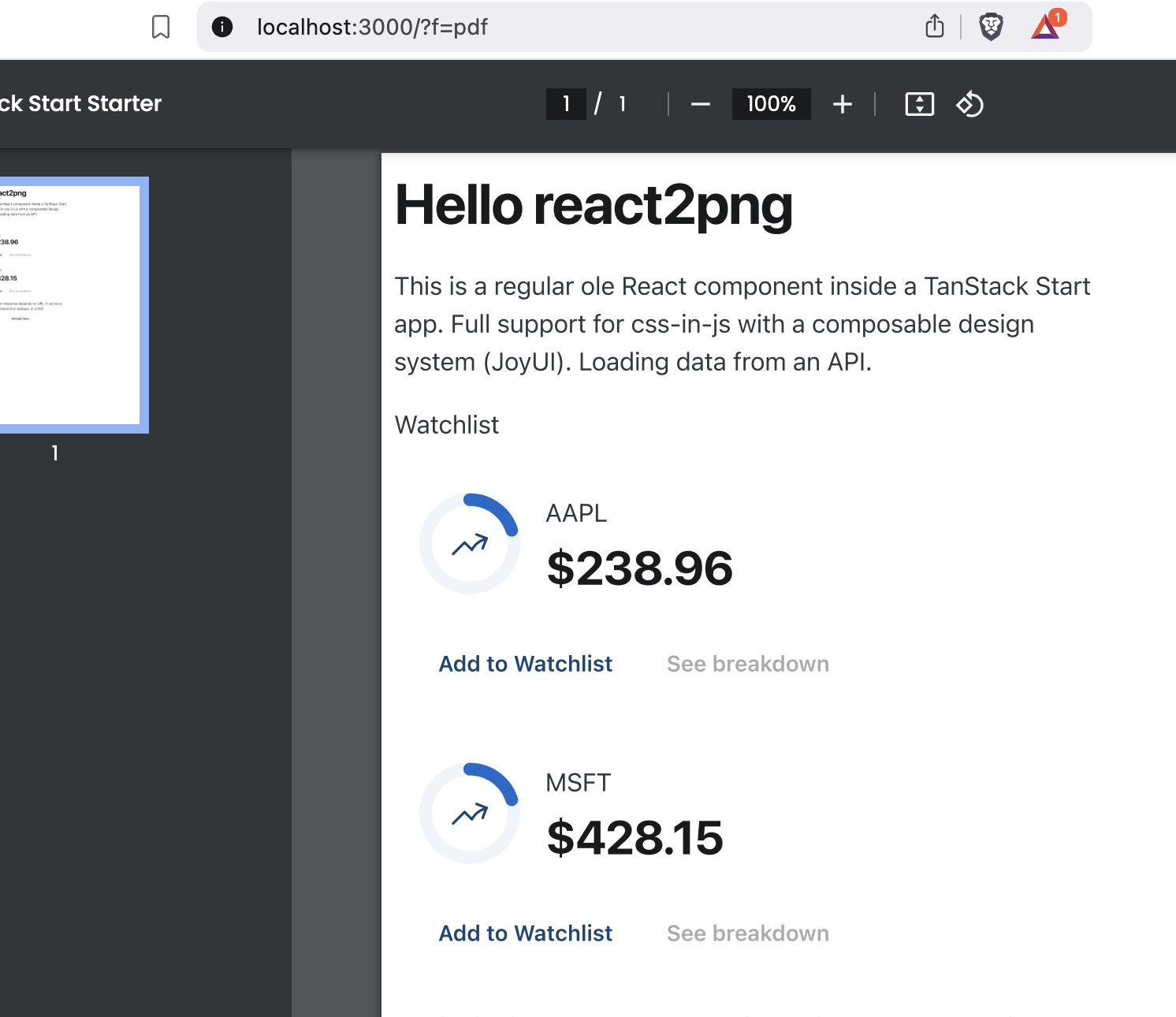
Here the styling loses backgrounds, but I think that's on purpose. JoyUI adapting to print styles because PDFs are for printing.
The technique
This whole thing is based on TanStack Start and Tanner's awesome work in bringing SSR and server actions to TanStack Router.
Like I wrote a year ago, TanStack Router lets you write React apps that are URL-deterministic. Every time you go to a URL, you get the same UI state. You write your components as usual and the router coordinates data loading.
Now with SSR, your server can render UI in memory and return the resulting HTML with initial data pre-loaded. Then your code can fetch fresh data as needed and act as a regular React apps.
We can hook into that SSR step to return a PNG or PDF 😈
A normal component
It starts with a normal React component.
const StockCard = ({ stonk }: { stonk: string }) => {
    const { data, isLoading, isError, isRefetching } = useQuery({
        queryKey: ["stonks", stonk],
        queryFn: () => {
            return getStonk({ data: { stonk } });
        },
    });

    const value = isLoading ? (
        <CircularProgress size="sm" />
    ) : isError ? (
        <Typography level="h2">Error</Typography>
    ) : data.high ? (
        <Typography level="h2">${data.high}</Typography>
    ) : (
        <Typography level="h2">No data</Typography>
    );

    return (
        <Card variant="solid" color="primary" invertedColors>
            <CardContent orientation="horizontal">
                // ...
                <CardContent>
                    <Typography level="body-md">{stonk}</Typography>
                    {value}
                </CardContent>
            </CardContent>
            <CardActions>
                // ...
            </CardActions>
        </Card>
    );
};
We have loading states, error states, and no data states. React Query to fetch data. Normal rendering to display the card.
The route
We render a few of these in a route and pre-load data in the loader.
export const Route = createFileRoute("/")({
    component: Home,
    loader: async ({ context }) => {
        const AAPL = await getStonk({ data: { stonk: "AAPL" } });
        const MSFT = await getStonk({ data: { stonk: "MSFT" } });

        await context.queryClient.ensureQueryData({
            queryKey: ["stonks", "AAPL"],
            queryFn: () => AAPL,
        });
        await context.queryClient.ensureQueryData({
            queryKey: ["stonks", "MSFT"],
            queryFn: () => MSFT,
        });
    },
});

function Home() {
    return (
        <Stack spacing={2} sx={{ maxWidth: 450 }}>
            // ...

            <StockCard stonk="AAPL" />
            <StockCard stonk="MSFT" />

            // ...
        </Stack>
    );
}
The route renders a Home component and uses ensureQueryData to pre-load data from an API before rendering. This ensures that our initial UI happens without loading spinners.
Preloading is crucial for nice PNGs and PDFs. Makes the UX nicer for users too.
The SSR handler
Last step is a switching SSR handler that chooses behavior based on the ?f query param.
const switchingHandler: typeof defaultRenderHandler = async ({
  request,
  router,
  responseHeaders,
}) => {
  const url = new URL(request.url);
  const format = url.searchParams.get("f");

  if (format === "png") {
    return pngRenderHandler({ request, router, responseHeaders });
  } else if (format === "pdf") {
    return pdfRenderHandler({ request, router, responseHeaders });
  } else {
    return defaultRenderHandler({ request, router, responseHeaders });
  }
};

export default createStartHandler({
  createRouter,
  getRouterManifest,
})(switchingHandler);
When requests come in, the server will choose pngRenderHandler, pdfRenderHandler, or defaultRenderHandler to respond. Each handler server-side renders the React app and returns a response.
The defaultRenderHandler returns HTML. The HTML contains a script tag that runs in browser and hydrates into a React app.
The pngRenderHandler takes that HTML and turns it into PNG before returning. This is the fun part :D
const pngRenderHandler: typeof defaultRenderHandler = async ({
    router,
    responseHeaders,
}) => {
    let html = ReactDOMServer.renderToString(<StartServer router={router} />);
    html = html.replace(
        `</body>`,
        `${router.injectedHtml.map((d) => d()).join("")}</body>`
    );

    const image = await nodeHtmlToImage({ html, quality: 100 });

    return new Response(image, {
        status: router.state.statusCode,
        headers: {
            "Content-Type": "image/png",
        },
    });
};
node-html-to-image uses Puppeteer, a headless Chrome browser, to turn HTML into an image. You need the full browser to get all the layouting and styling right. Emulating this in pure javascript would be silly.
The pdfRenderHandler does something similar. Puppeteer has a page.pdf() function that prints the currently loaded HTML into a PDF. I think that's why we get different styling.
Caveats
I don't know yet how this works in production. Running Puppeteer can get pretty resource intensive.
But I'm excited how well this worked! Nefarious plans afoot 😈
Cheers,
~Swizec